Journal · Buying guide · 1 min read
How much power does your laptop actually need?
Reading watts like a spec sheet, not a horoscope.
Published 20 August 2026 · Reviewed by 20 February 2027
The wattage printed on a charger is a ceiling, not a demand. A modern thin laptop might draw heavily for the first minutes of charging under load, then settle to a fraction of that; a phone tops out far lower. The charger and device negotiate over USB Power Delivery, and the device never takes more than it asks for.
So the practical question is not “can a charger be too powerful?” — with USB PD, a higher-wattage charger is simply headroom. The question is whether the charger, the cable and the device agree on enough power for the worst honest case: compiling, rendering, or charging fast while working.
A useful mental model
Think in three numbers. The device’s maximum accepted input (its own spec). The charger’s available output on the port you use — which, on multi-port chargers, depends on what else is plugged in. And the cable’s rated current, which silently caps everything. The lowest of the three wins.
This is why serious multi-port chargers publish allocation tables: two ports sharing a budget is a defined pair of scenarios, and you deserve to know each one before you buy, not discover them from a laptop that charges slowly whenever the phone joins.
Where 65 W earns its place
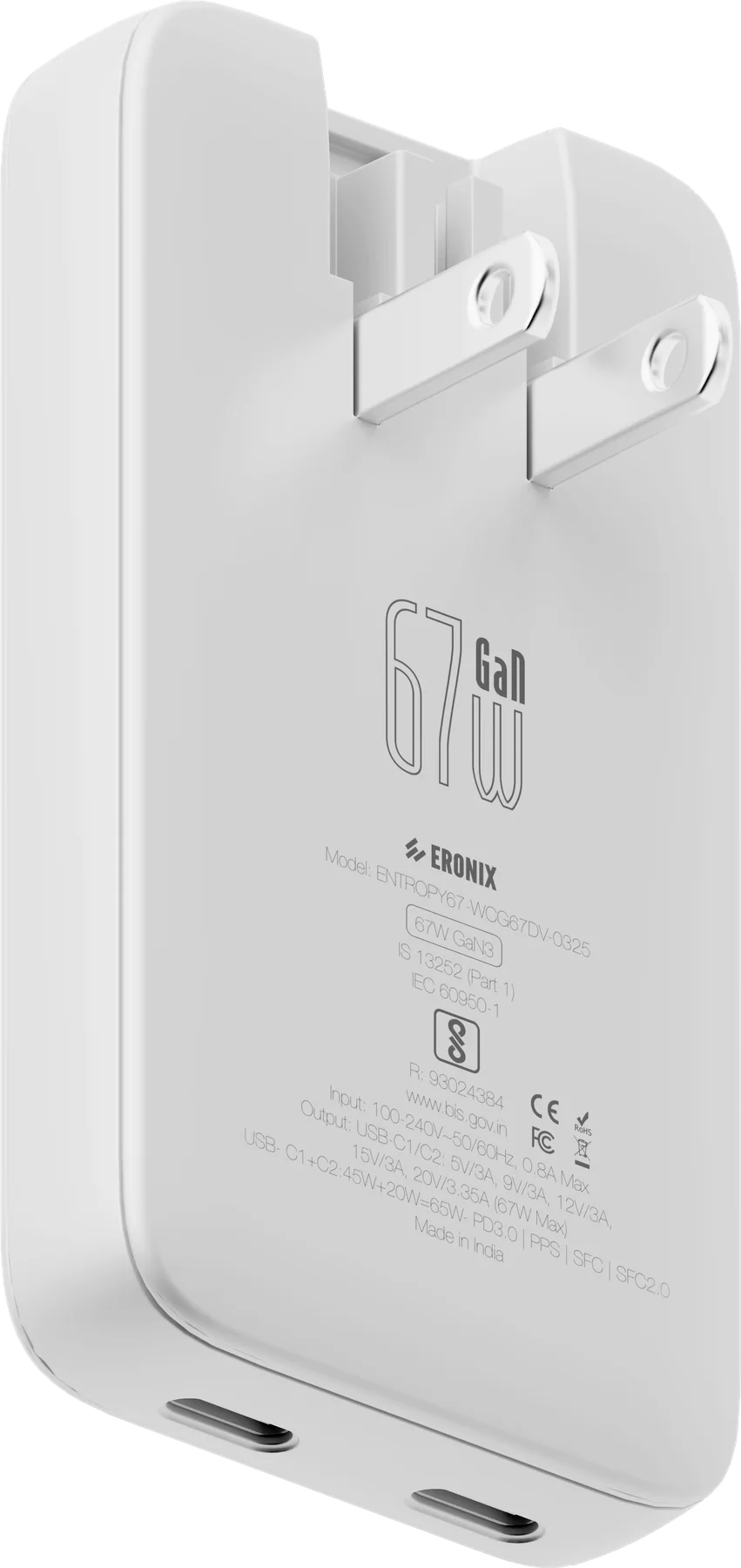
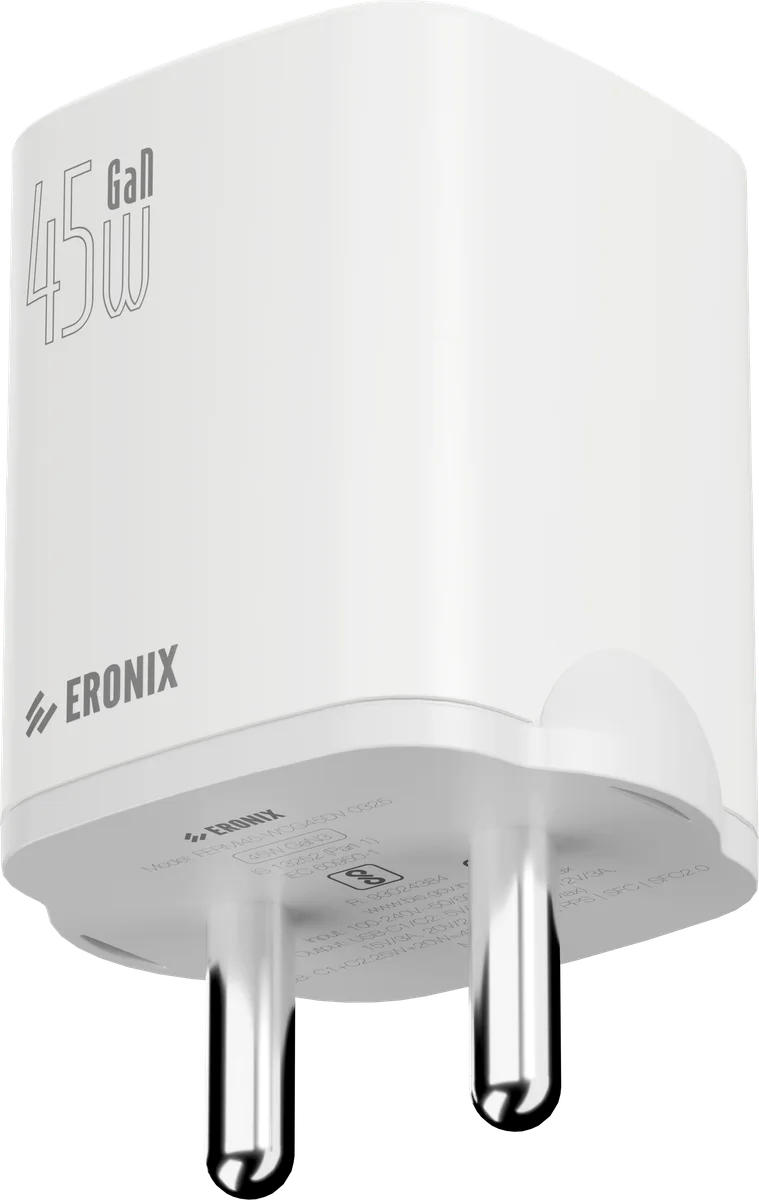
A 65 W budget covers the realistic desk. On Fermi65, a thin laptop on one port with 45 W left for it when a phone takes 20 W from the other; on Entropy67, 67 W to a MacBook from a single port, or 45 W and 20 W with a phone beside it. Either is the point where one object replaces the drawer of bricks, which is the argument for the category, made honestly. Above that, a workstation-class laptop still wants its own supply, and no small adapter should pretend otherwise.
USB-C Power Delivery
One connector, a negotiated contract.
Read →PowerGaN — Gallium Nitride
The semiconductor that let chargers shrink.
Read →Comparison · 1 min readGaN vs conventional chargers: what actually changed
Less mythology, more physics.
Read →Buying guide · 1 min readChoosing a USB-C charger: a short, honest checklist
Five checks that outlast any marketing cycle.
Read →